To your first question:
You could switch off the background of your Split Screen Layer:
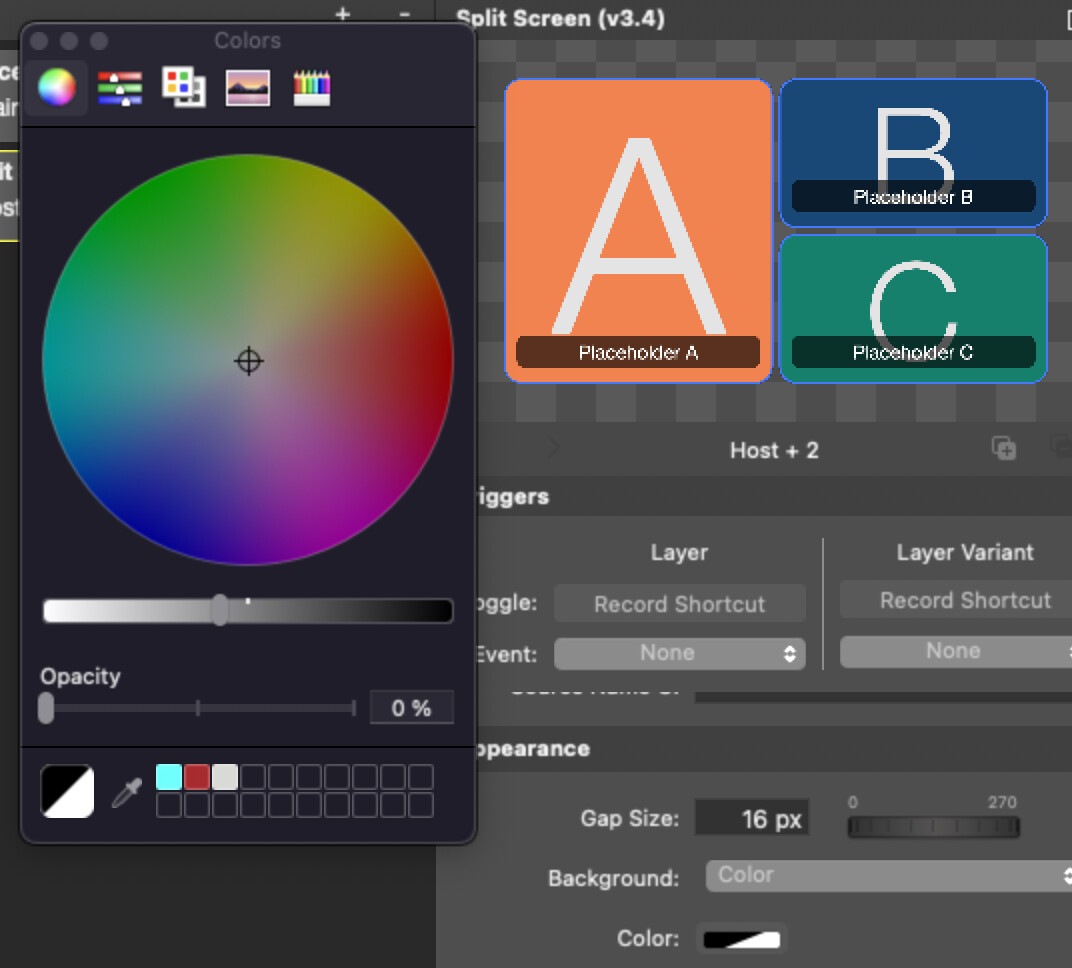
Find Background, click the color and set Opacity to 0%. Now it’s transparent. You can do this with all your variants of the Layer. Now: Underlay any other Layer to place your animated/moving background (maybe a pip-window-layer with several positions?
BTW: To the second question:
With PIP-Window you can design your own Spit Screen (including transitions/movements).
For every face use one Layer. Add variants for several positions. See this demo, how it works. You can add as many variants you want:
Remember: One Layer for each face/content. X Variants for your Positions of the faces. Combine every view in LayerSets.  BTW: With this layer you can create your own transitions.
Switch on the “MultiView” and add your Sources, to have smoot transitions.
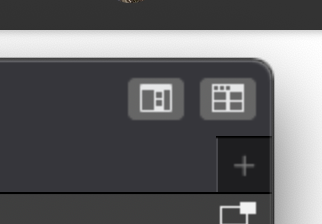
(It’s the left button in the top right corner of mimoLive)
Lot’s of fun,
JoPhi