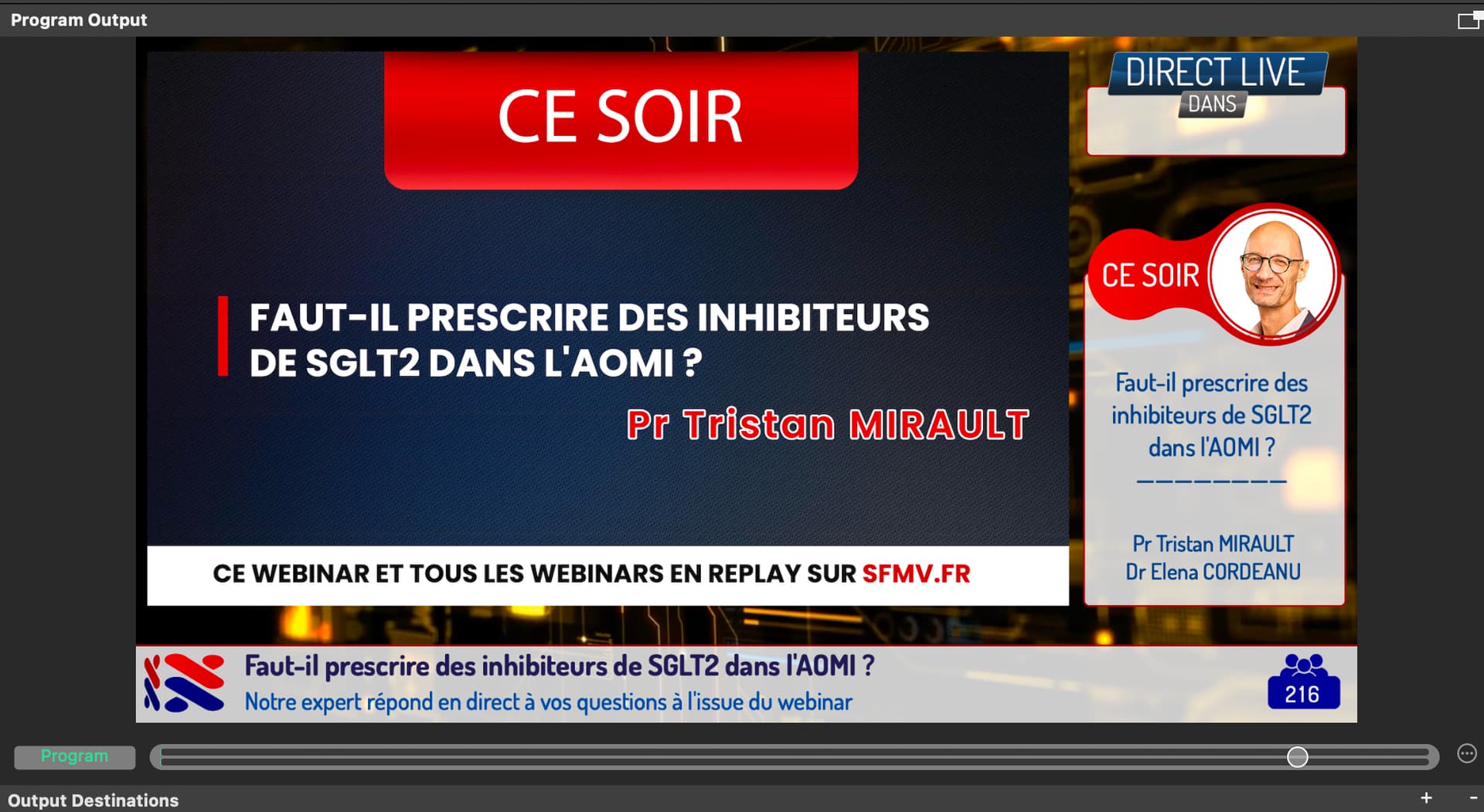
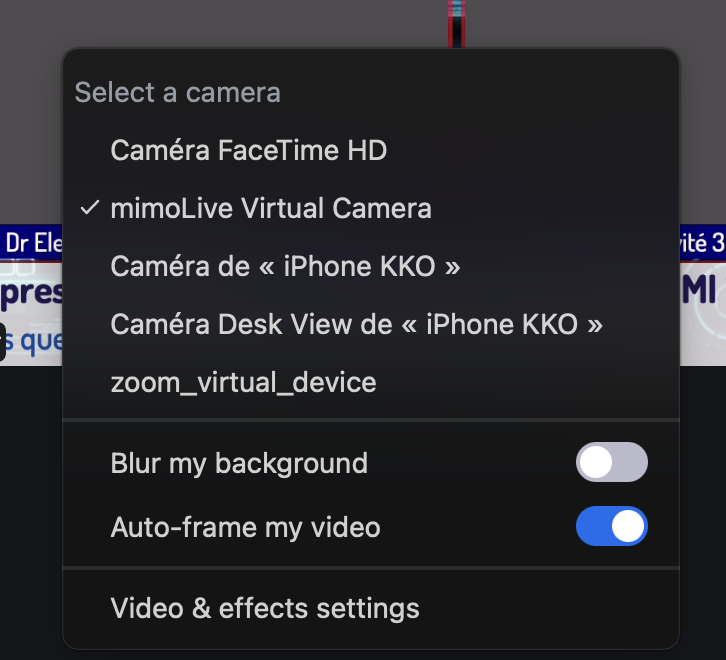
Yes, I’ve tried that as well—regardless of the order, it doesn’t change anything. The window doesn’t adjust. I’ve tried several resolutions and it’s the same problem.
Thank you for your clarification. Upon further inspection of the code, it turns out that Zoom specifies the pixel resolution (and respective aspect ratio) required for video input from mimoLive. Although I’m not entirely certain why Zoom requests a 4:3 video, it might be related to settings within your Zoom account.
This pixel resolution request can change dynamically based on factors such as network conditions, window resizing, participant count, or Zoom’s internal quality management system. If the video aspect ratio from mimoLive differs from that requested by Zoom, mimoLive performs a scale-to-fill-and-crop adjustment instead of letterboxing. This results in portions of your program being cropped out.
However, if you’re using the mimoLive virtual camera, there aren’t any such restrictions, and Zoom handles the video as received. I apologize for any inconvenience this may cause, but this seems to be how Zoom intends for the process to function.